Instagram Edits App: A Creator's Guide to Meta's Video Editor
Introduction: Why the Instagram Edits App Changes Your Workflow
The Instagram Edits app is Meta's free video editor for creators, built to sit beside Instagram rather than replace the camera roll you already use. Consequently, it tries to cover the whole journey from raw clip to finished Reel in one place. For anyone publishing several videos a week, that promise deserves a proper test rather than a casual download.
Meta released Edits in 2025 for phones, and it has since become a default choice for creators who publish mainly to Reels. However, a free editor made by the platform you post on is not automatically the right tool for your work. This guide explains what the app actually does, where it helps, where it falls short and how to slot it into a weekly routine.
What the App Actually Does
Instagram Edits App Basics: Camera, Timeline and Export
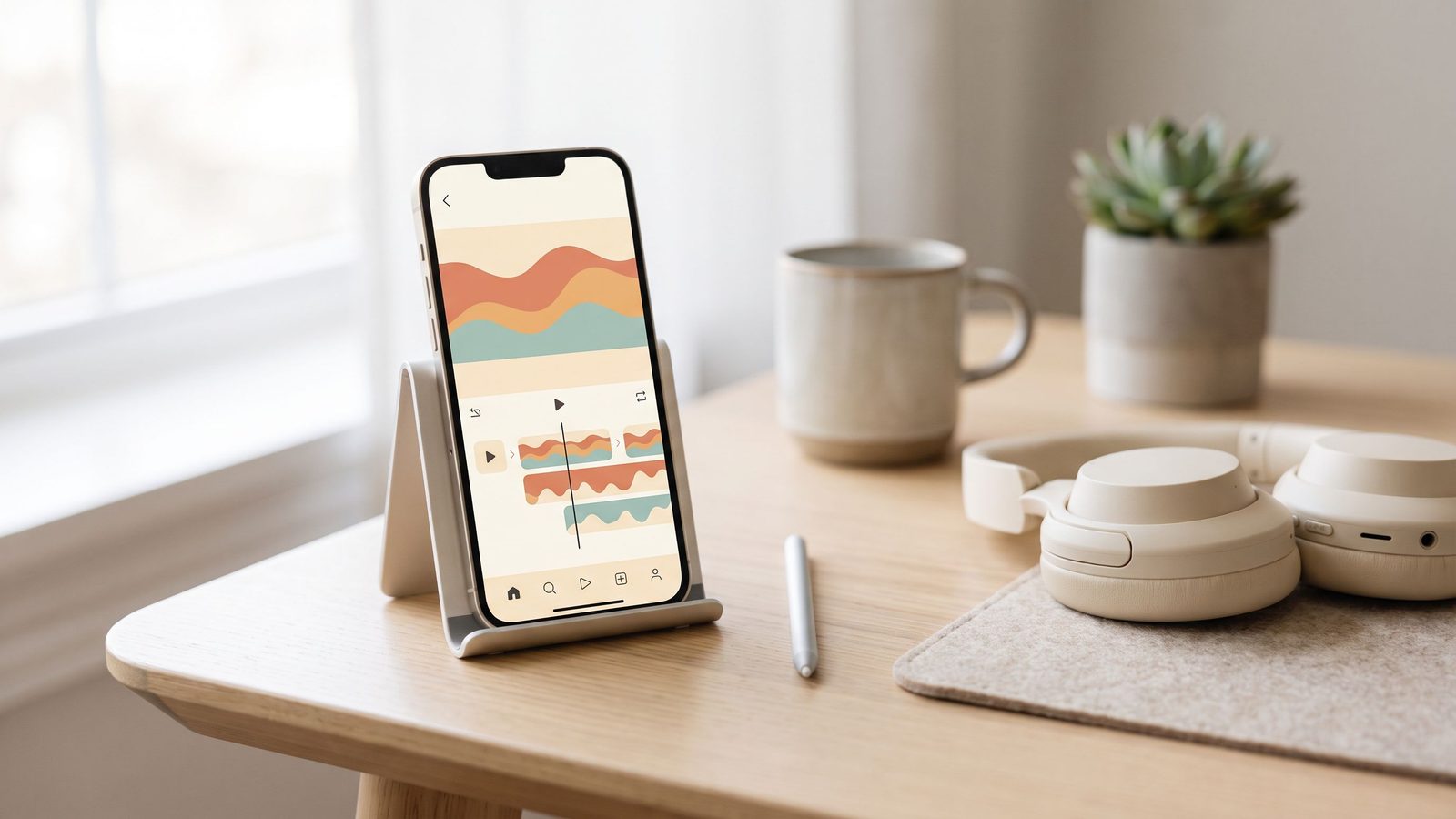
Edits combines a camera, a project timeline and an export step inside one application. You can film directly in the app, import existing clips, trim them on a timeline, add captions and export without a watermark burned into the corner. Additionally, projects connect to your Instagram account, so moving a finished video into the Reels composer takes seconds rather than a round trip through your files.
Because the app comes from Meta, it also reflects Instagram's own formats, including vertical aspect ratios and the safe zones where interface buttons sit. Therefore, you spend far less time guessing whether your caption will end up hidden behind a share button.
Captions and Audio
Automatic captions are the feature most creators reach for first, because they are quick and reasonably accurate. Nevertheless, always read them back before exporting, since automatic transcription still mishears names, product terms and strong regional accents. Our Instagram Reels editing playbook explains how caption timing affects whether viewers stay.
Insights Inside the Editor
Edits also surfaces performance data for videos you have already published, which keeps making and measuring in the same place. Consequently, you can compare what you created against how it performed without hopping between apps. Instagram's creator resources list the current feature set, which changes more often than most tools.
Where the App Genuinely Helps
Fast Turnaround on Simple Reels
For a talking-head clip with captions and a music bed, the instagram edits app is hard to beat on speed. You film, trim, caption and publish without leaving your phone. As a result, the gap between having an idea and posting it shrinks to minutes.
Consistency Across a Batch
Reusing one project as a starting point keeps fonts, caption placement and pacing consistent across a run of videos. Similarly, that consistency is exactly what makes a batch of content feel like a series rather than a pile of one-offs. Our guide to content batching covers the wider workflow.
Producing Test Variations
Because duplicating a project is quick, Edits suits creators who test several openings for the same idea. Furthermore, those variations feed directly into Instagram trial reels, where you can show each hook to non-followers before committing.
Where It Falls Short
Complex Edits Still Want a Desktop
Multi-layer edits, detailed colour work and long-form projects remain painful on a phone screen. Therefore, treat Edits as a fast lane for short-form rather than a replacement for a full desktop editor.
Platform Gravity Is Real
The app is designed around Instagram, so a workflow built entirely inside it quietly pulls you toward posting there first. However, most creators should publish across several platforms, and our comparison of YouTube Shorts and TikTok explains why that spread matters.
Features Move Quickly
Meta ships changes to Edits frequently, so tutorials date fast and a button you relied on may move. Consequently, check the app itself rather than trusting a six-month-old walkthrough.
Fitting Edits Into a Weekly Routine
Build One Reusable Project
Set your caption style, font, colours and end frame once, then duplicate that project for every video. This keeps your look steady and removes the most tedious part of each edit.
Edit in One Sitting
Editing six videos in a row is far faster than editing one a day, because you stay in the same mental mode and the same project settings. Additionally, batching leaves you with a queue, which protects your posting rhythm during a busy week.
An Illustrative UK Example
Consider a Manchester florist posting three Reels a week. The owner films arrangements on a Monday, edits all three in a single evening using one duplicated project, and schedules them across the week. Notably, the videos became more consistent in look long before they became more popular, and that consistency is what made the account feel professional.
How Vairova Can Help
Vairova handles the stages that sit either side of editing. It researches trending angles in your niche, drafts hooks and scripts, generates video and AI influencer content, and schedules posts across platforms, so the instagram edits app becomes one optional step rather than your whole production line. Additionally, you can mix Vairova-generated clips with footage you edited yourself. Compare plans on our pricing page.
Conclusion
The instagram edits app is a genuinely useful free tool for creators who live in Reels, particularly for quick turnarounds, consistent batches and hook variations. Nevertheless, it will not replace a desktop editor for complex work, and it should not decide your entire platform strategy. Therefore, use it where it is fastest and keep your distribution deliberately broad. When you want the research and scheduling handled too, start free with Vairova.
Frequently Asked Questions
Q: What is the Instagram Edits app? A: The Instagram Edits app is Meta's free video editing application for creators, combining a camera, an editing timeline, captions and export in one place. Furthermore, it connects to your Instagram account so finished videos move quickly into the Reels composer.
Q: Does Edits put a watermark on exported videos? A: Edits is designed to export clean video without a burned-in watermark, which matters if you also post to other platforms. Nevertheless, check your export settings, because app behaviour changes between updates.
Q: Is the Instagram Edits app free? A: Yes, Meta released it as a free app for creators. However, some individual features may require a professional account, so confirm inside the app.
Q: Do I still need a desktop editor? A: For short-form video, usually not. Conversely, long-form projects, multi-layer edits and detailed colour work remain far easier on a desktop.
Q: Can I use the instagram edits app for TikTok and YouTube Shorts? A: Yes, because exported vertical clips work on other platforms too. Additionally, write native captions for each platform rather than reposting the same text everywhere.
Q: Will using Edits improve my reach on Instagram? A: There is no public evidence that the editor itself changes how your Reels rank. Instead, reach still follows the usual signals, above all how long people watch and whether they share.
Disclaimer
This article offers general marketing guidance current as of September 2026. The Manchester florist example is illustrative rather than a reported client result, and outcomes vary by niche, audience and execution. Meta updates the Edits app frequently, so confirm current features and settings inside the app or on Instagram's official creator resources. Vairova is not affiliated with Instagram or Meta.